OK…just for El Pud and a few others …here is how to get yourself notified when Drunkcyclist2 has a new post …or indeed to get yourself notified about any new updates to your favourite websites. RSS Feeds !
STEP 1 : Make sure you are using Mozilla Firefox as your browser. Ok , its not essential for making best use of RSS feeds but IMHO its the best browser around. Google for “Google Reader” and set yourself up an account !
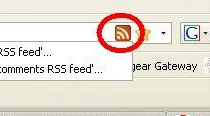
STEP 2 : All you have to do now is start adding RSS feeds for your favourite sites. Look out for the RSS symbol when you have navigated your way to your favourite site
 |
| From Screen Captures |
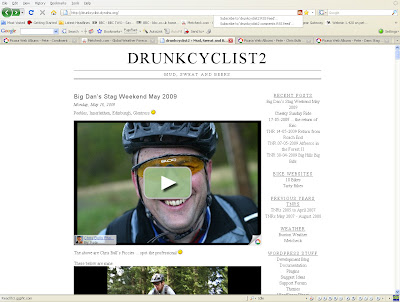
STEP 3 : Click on the Symbol and select Google Reader
 |
| From Screen Captures |
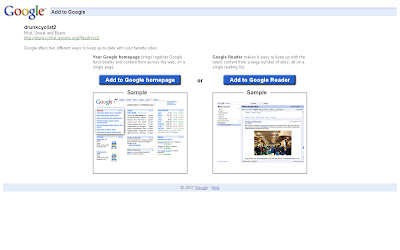
You should then see a screen like this :
 |
| From Screen Captures |
Just click on the “Add to Google Reader”
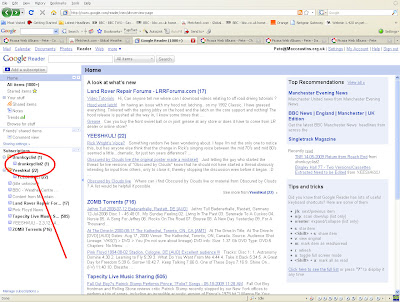
And you should then get something like :
 |
| From Screen Captures |
Notice the Drunkcyclist website folder on the left hand side !
Post a Comment